 Yusral
Welcome
How you and your team follow up cases, tasks and customer contact in one place.
In Yusral, everything that belongs to a customer request comes together: the emails, your internal notes, the tasks and the documents. Everyone on your team sees the same case, so nobody has to ask who replied to what.
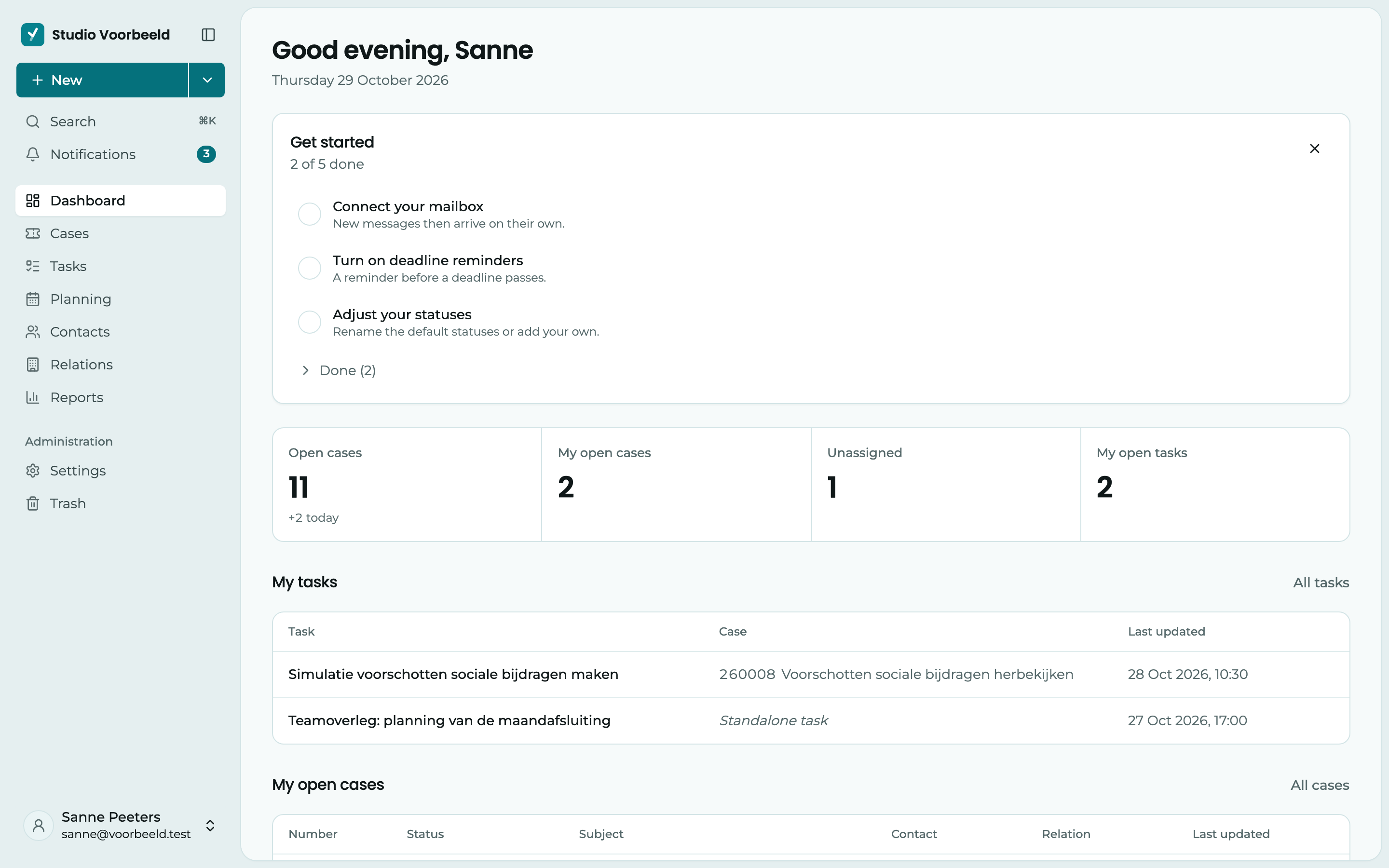
Where do you want to start?
Create an account
Register, sign in and accept an invitation from a colleague.
Tour
What is where: the sidebar, search, notifications and keyboard shortcuts.
Handle a case
Replies to a customer, notes for your colleagues, tasks and documents.
Your profile
Your name, your language, light or dark, and your signature.
Do you call it something else?
In this documentation, a customer request is called a case. Your organisation can choose a different word for it, such as ticket, file or job. You then see that word everywhere in the menu and on the buttons. Everything works the same way.
An administrator changes it in Settings > Organisation, under Language and naming > Naming.
In your language
Yusral works in Dutch, English, French and Turkish. Everyone chooses their own language in their profile, see Profile and language. So is this documentation: pick your language at the bottom of the sidebar.
Need help?
Can't find something? Check the frequently asked questions or email us at service@yusral.com.